AI Image Generator

Generate images from a prompt or a reference, up to 4K, in any style, ready to drop onto your timeline.
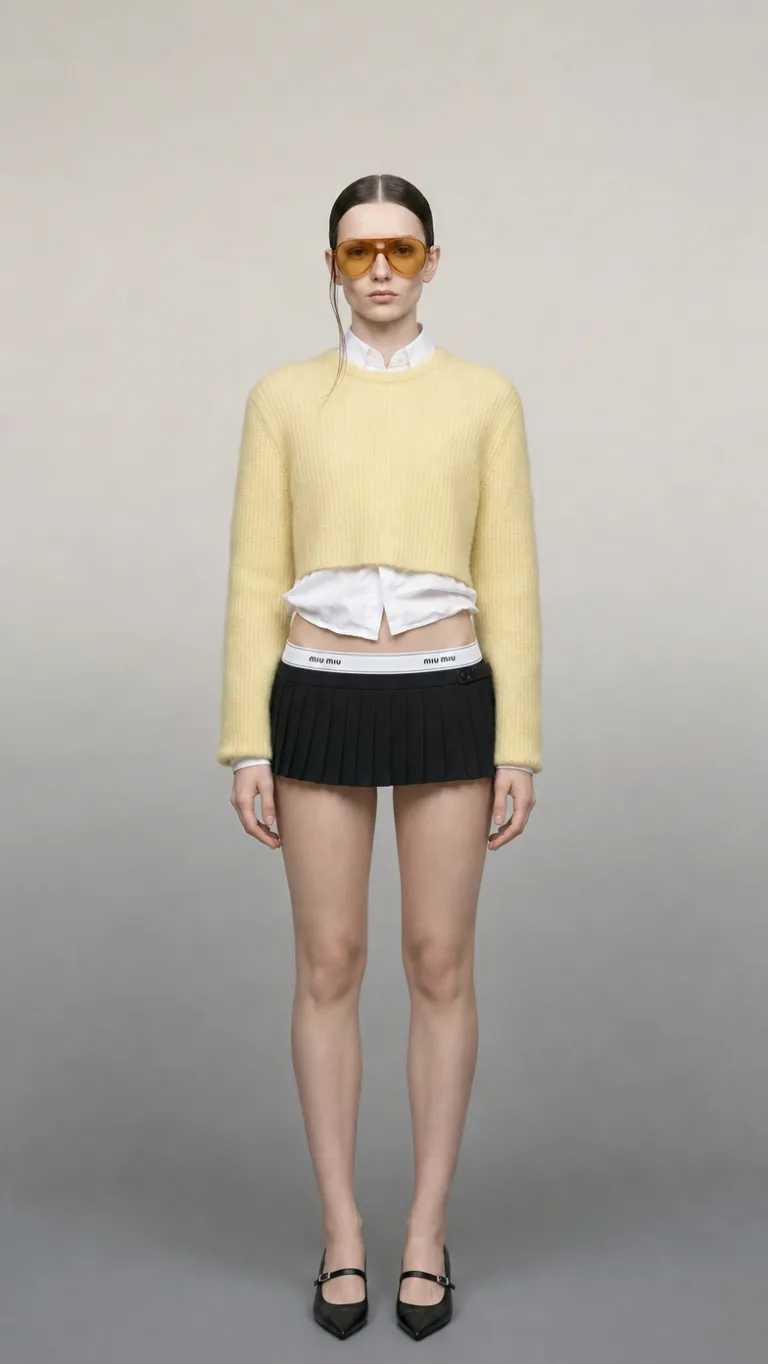
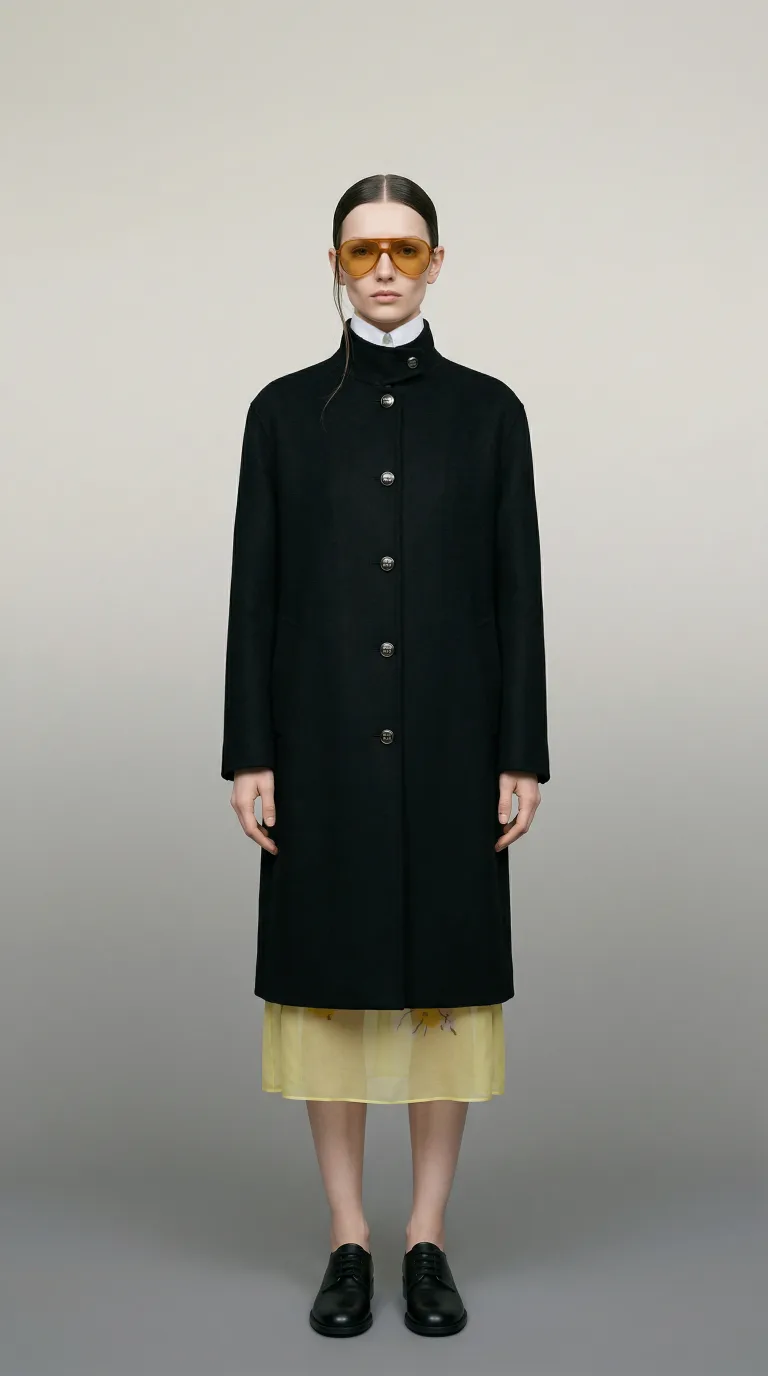
Auto
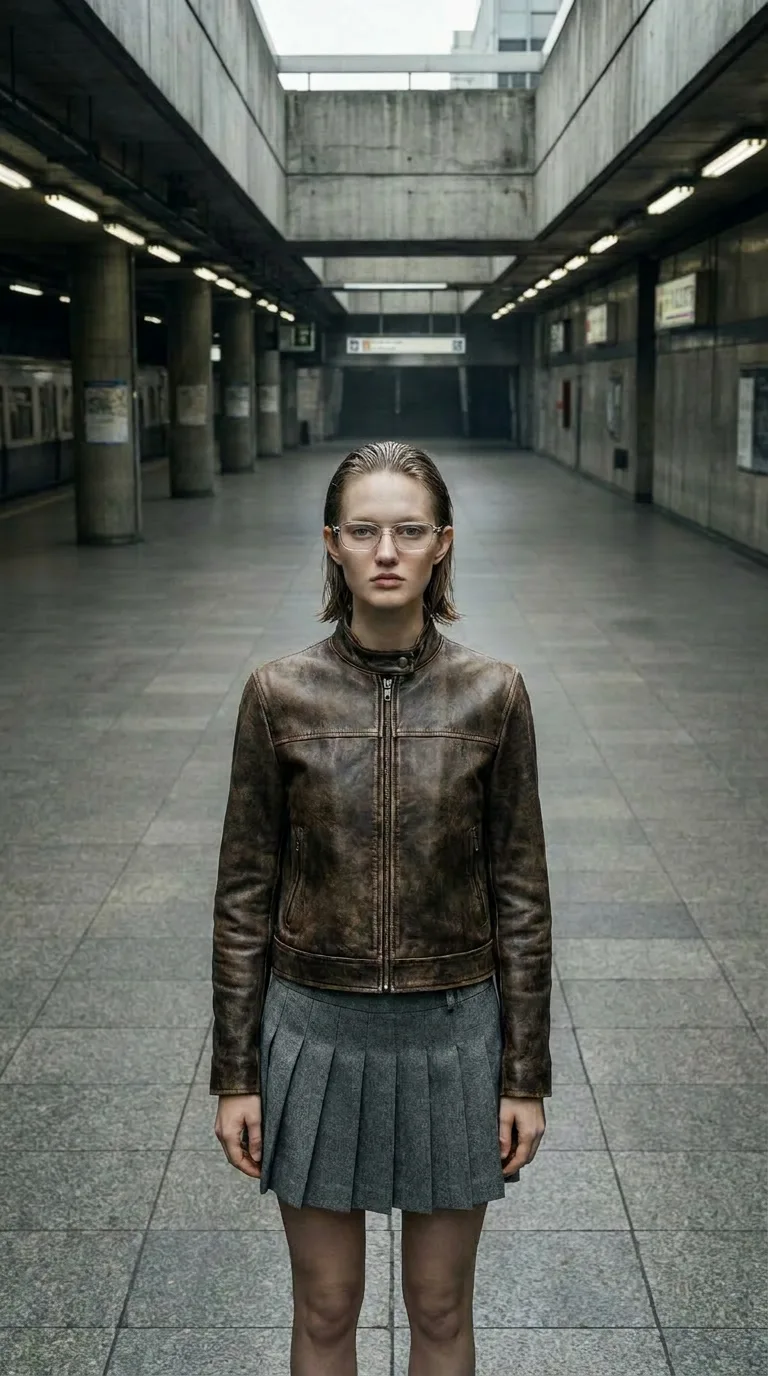
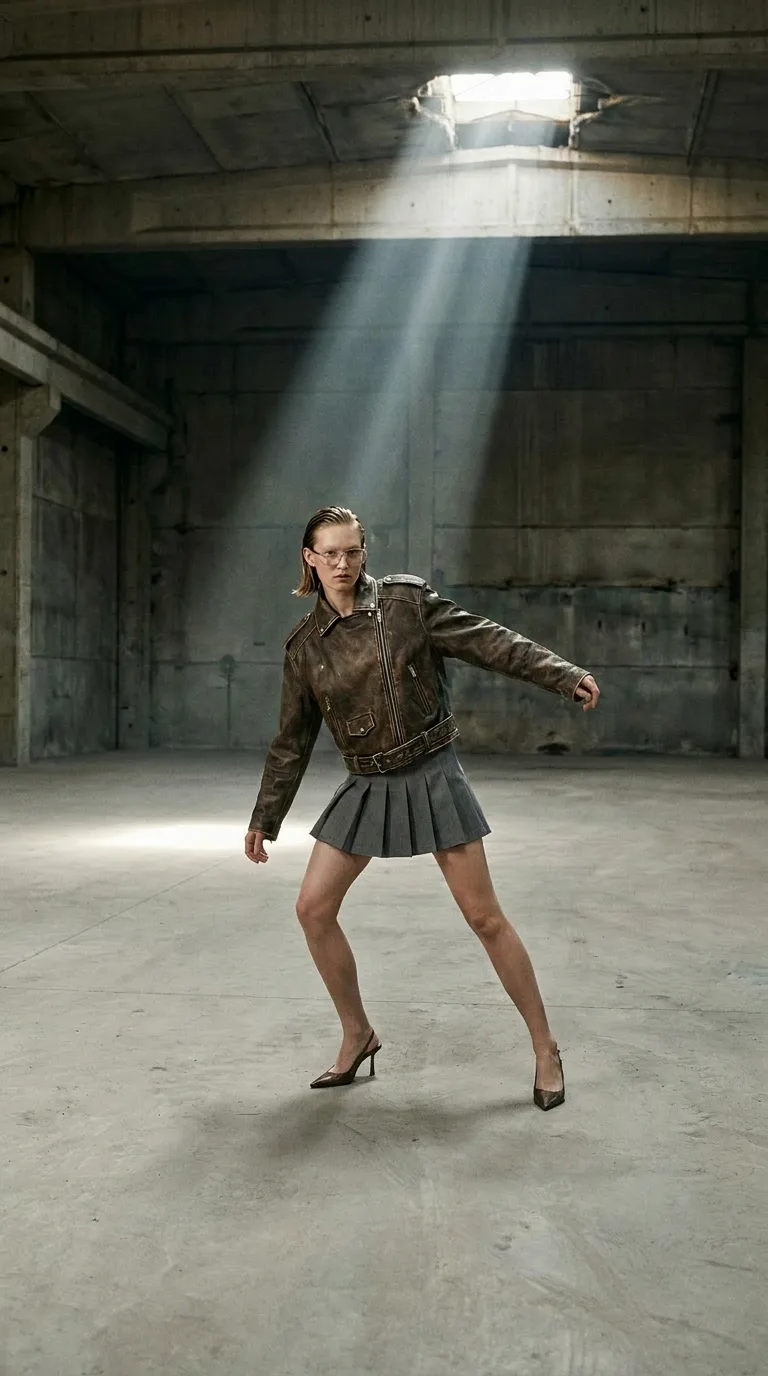
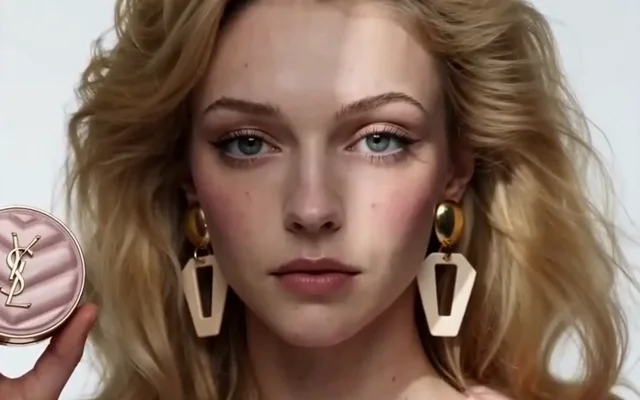
Outfit Swap — after
Outfit Swap — before
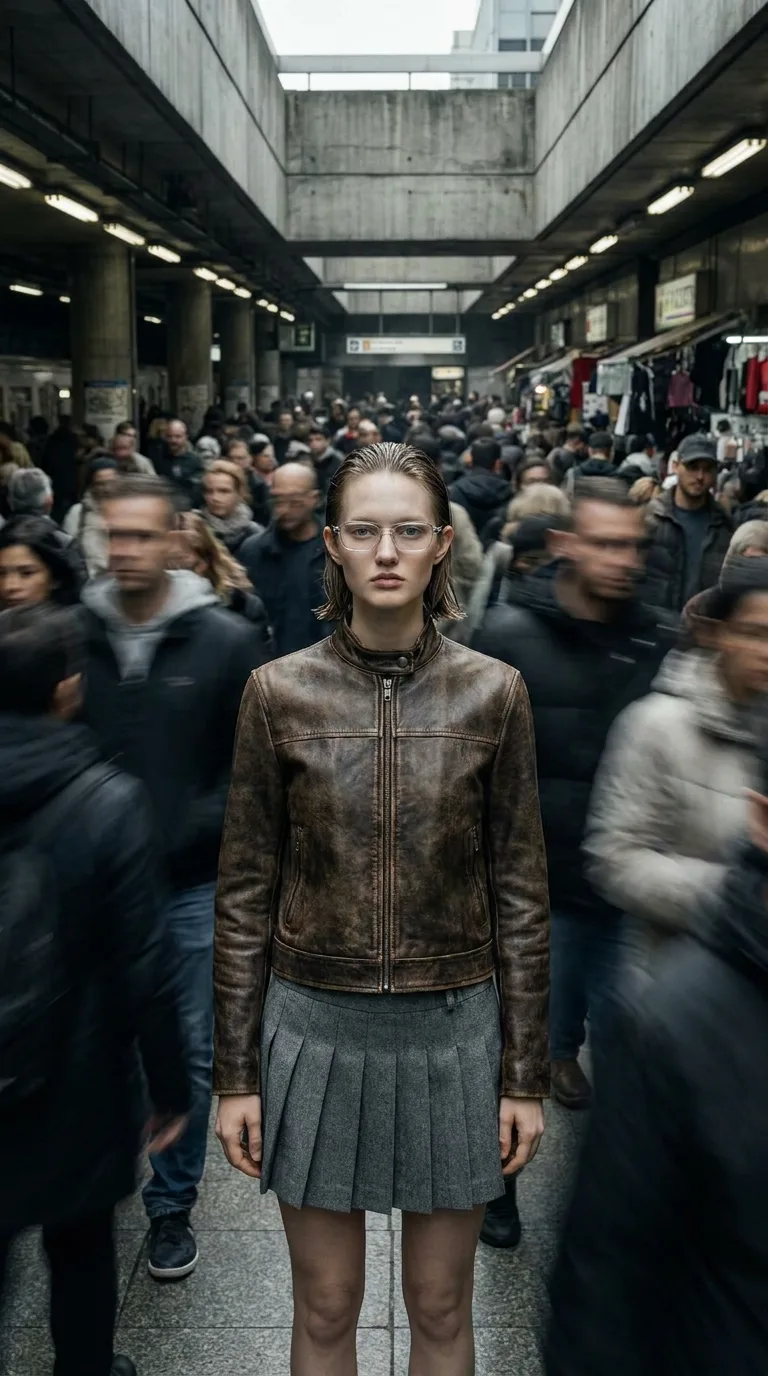
Remove Crowd — after
Remove Crowd — before
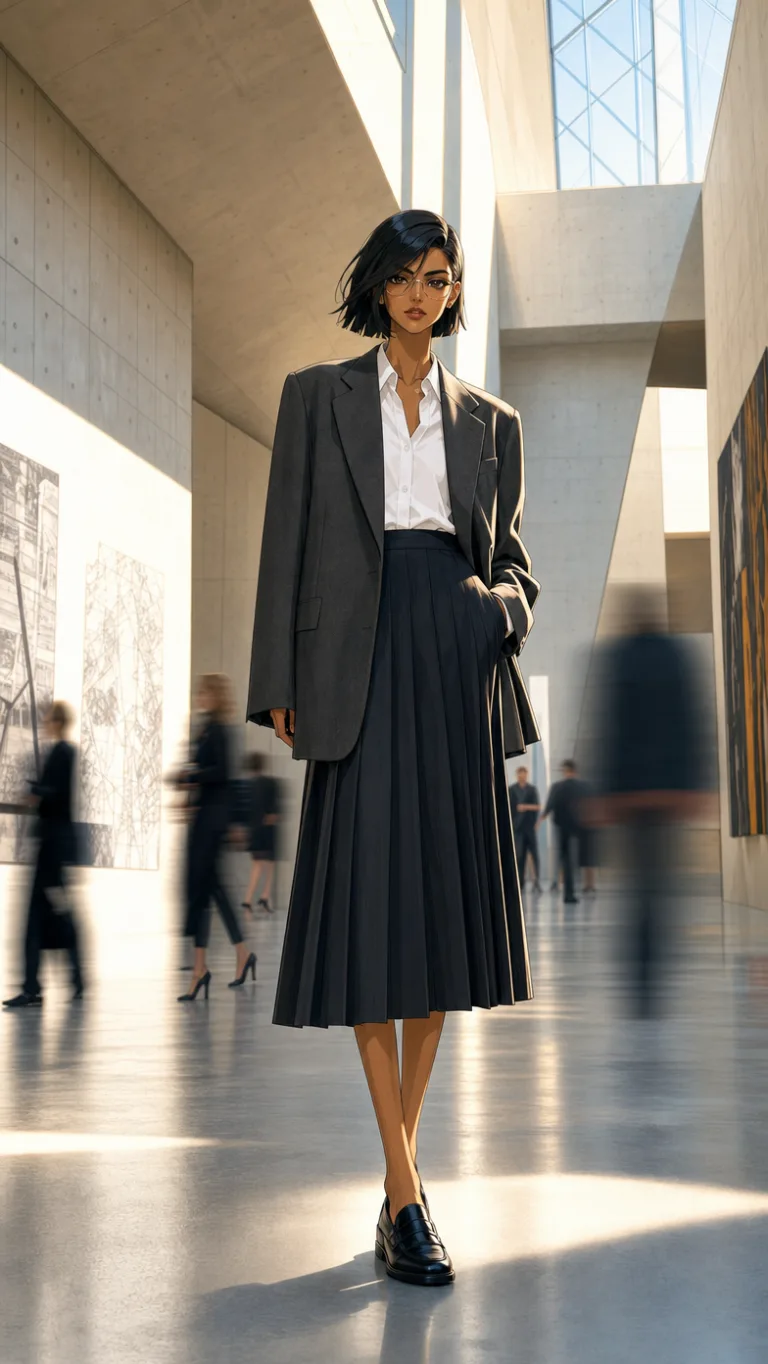
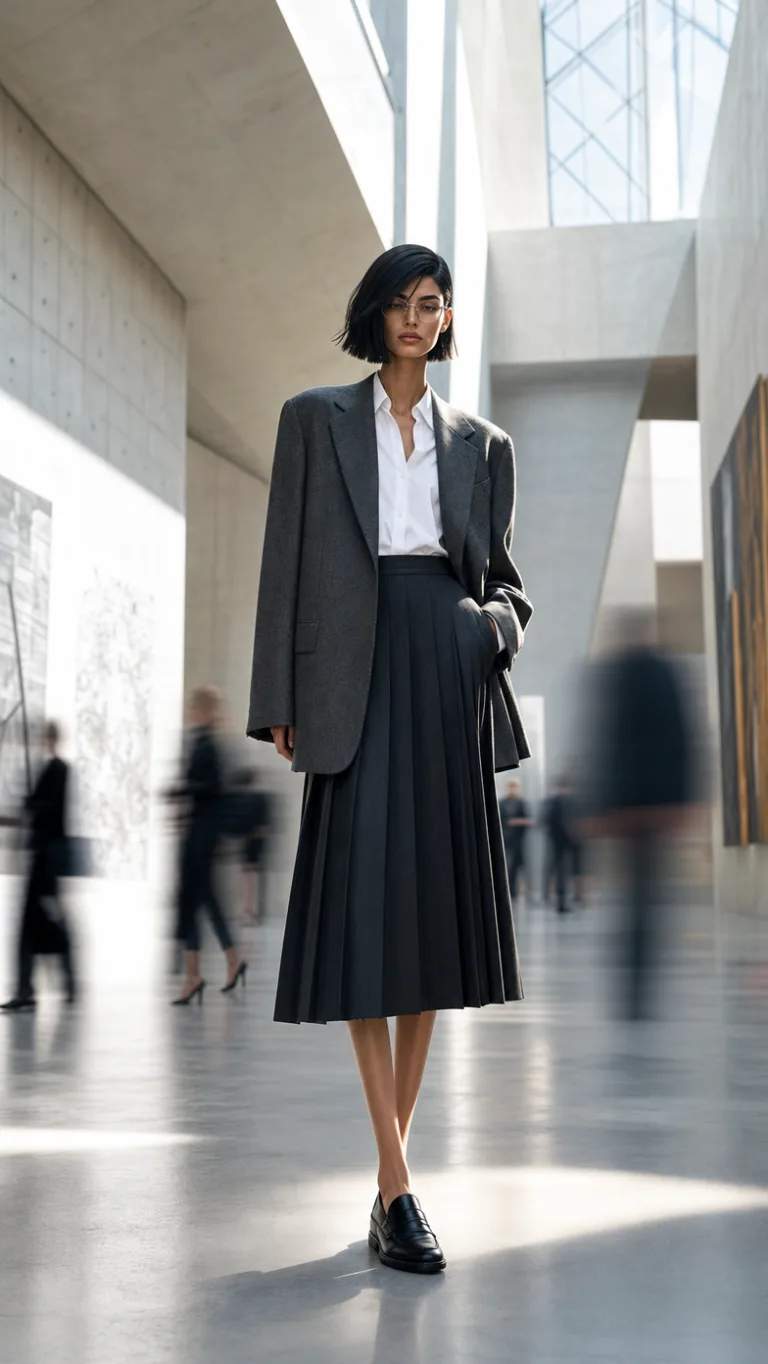
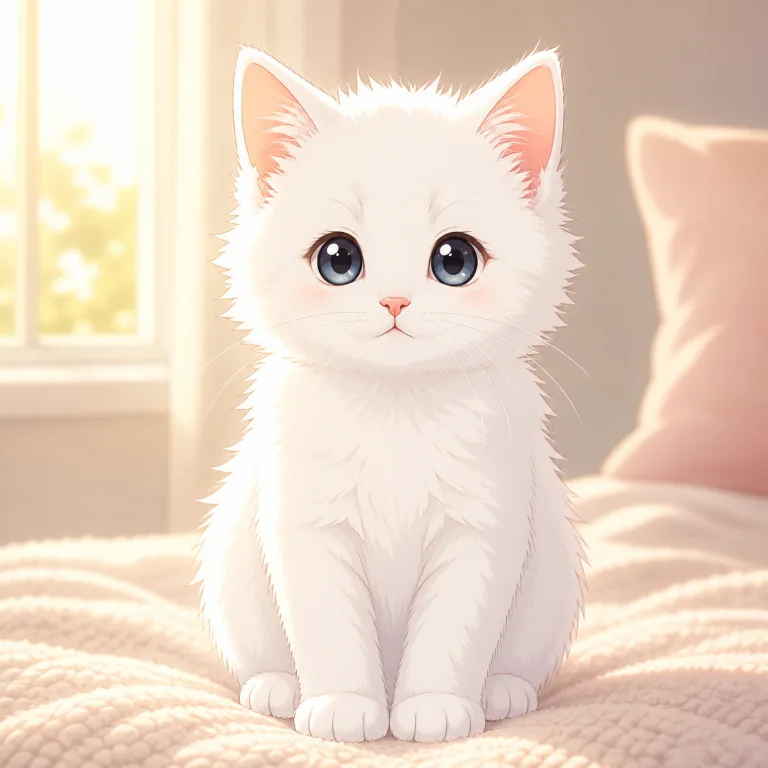
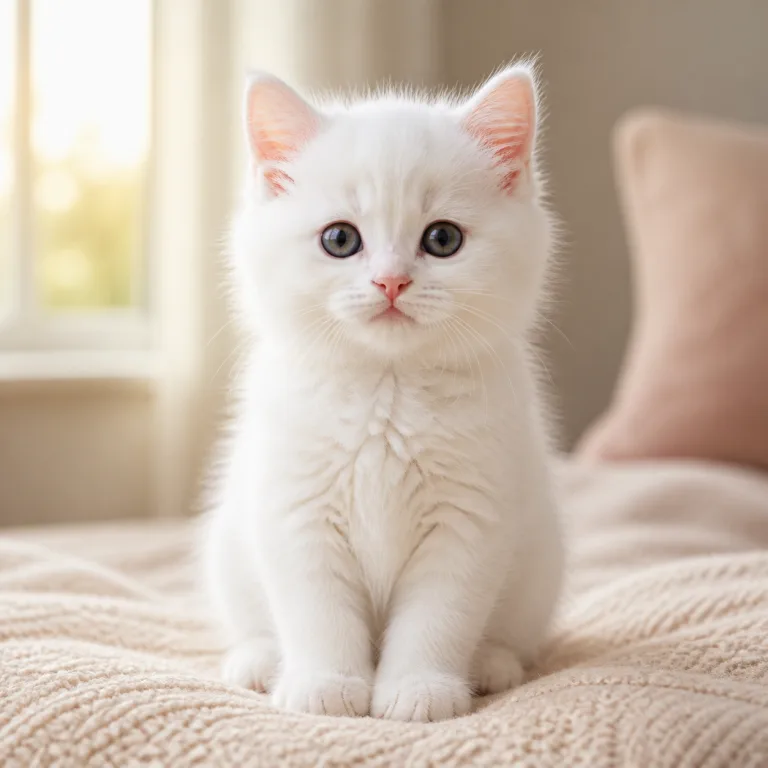
Anime Style — after
Anime Style — before
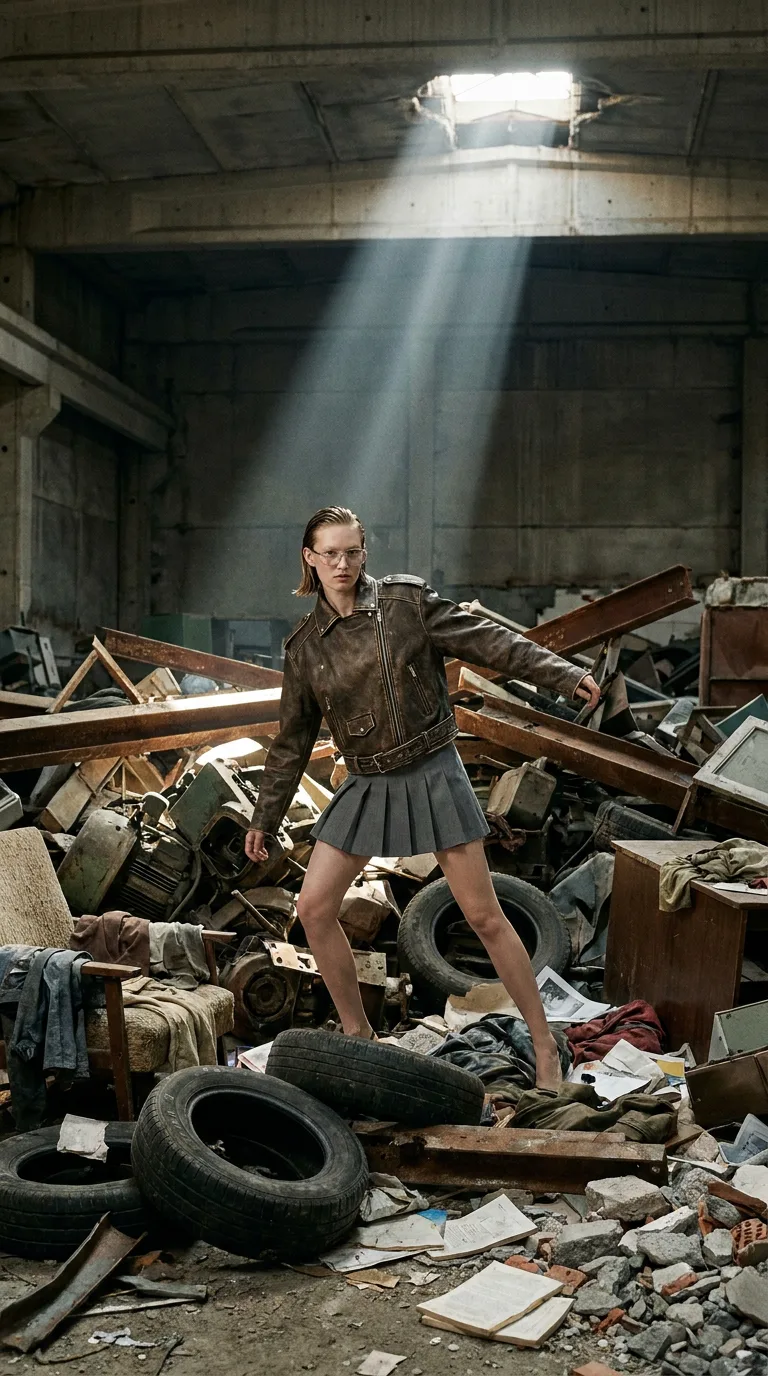
Declutter — after
Declutter — before

Generate every shot,
then cut the whole ad

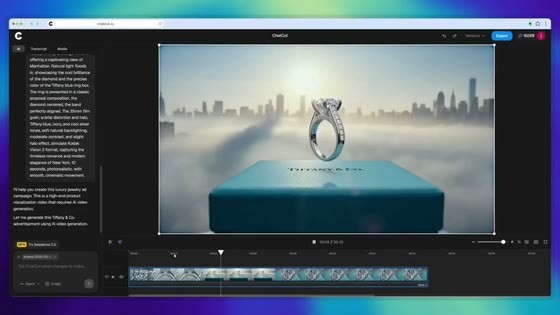
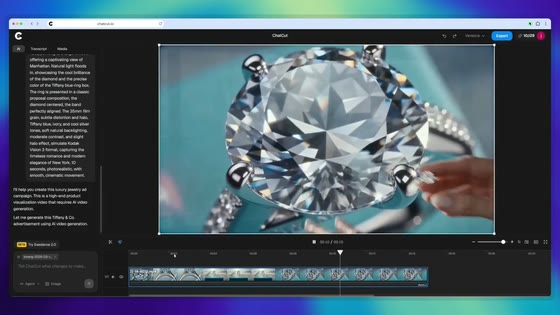
Describe the spot — ChatCut writes the script, generates a still for every beat, and turns them into a finished ad, right on the timeline.

Generate an ad
Tiffany — Diamond Ad Export 248.0
AILIBRARY
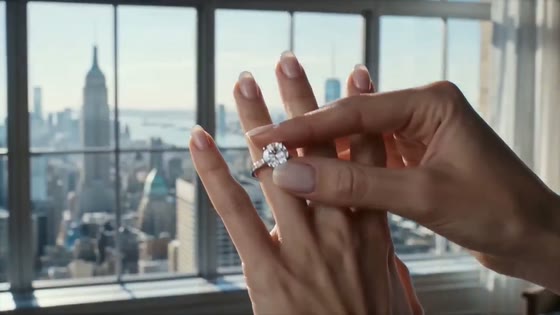
Make a 15-second Tiffany diamond ring ad — elegant and cinematic, warm gold light. Write the script, then generate every shot.
write_script · 5 beats

Wrote a five-beat spot — the box, a ring macro, the hand reveal, a sparkle detail, and the logo lockup.

generate_image · 5 stills

Generated a still for every beat, matched for warm light, shallow depth, and a consistent look.
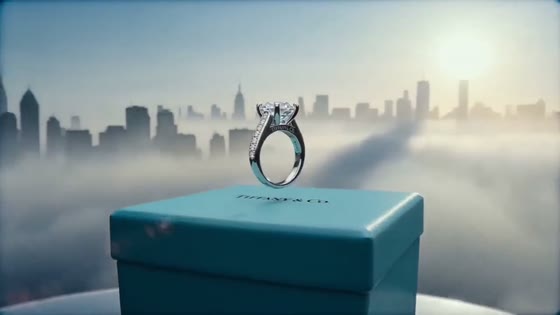
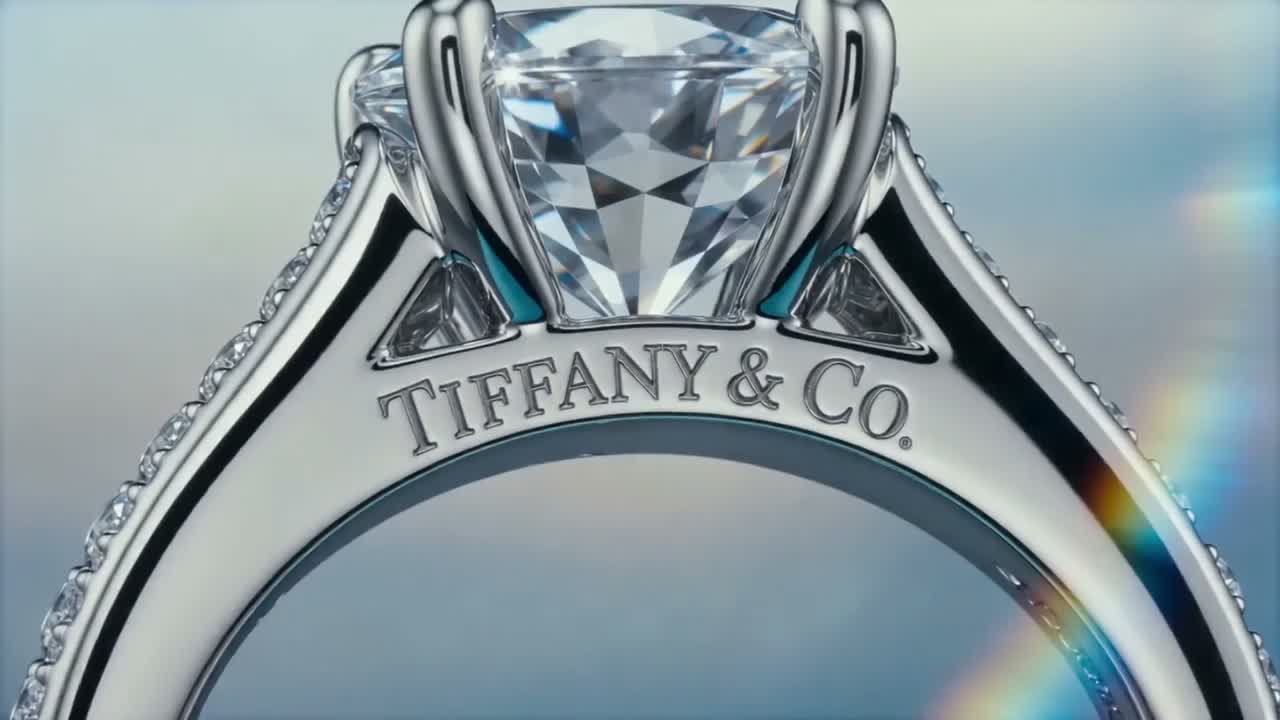
Generated ring-macro still
ring-macro.png · from prompt
image_to_video · 0:15 ad

Cut the five stills into a 15-second ad with a soft score, and placed it on V1.
Describe the next shot, @ to reference a still
GeneratedUploads
AllImagesVideo
IMGthe-box.png
IMGring-macro.png
IMGhand-reveal.png
IMGsparkle.png
IMGlogo-lockup.png
0:15tiffany-ad.mp4
New generation
00:05.00 / 00:15.00
00:05.00 / 00:15.00 OFF
00:0000:0500:1000:15
V1Ad cut
The box · 3s
Ring macro · 3s
Hand reveal · 3s
Sparkle → logo · 6s
A1Music
tiffany-score.wav

See it in the editor

From a prompt
to a finished cut

Generation isn't a separate tab. Describe the frames, turn them into a video, and cut it — one continuous workspace.

Describe it.
Get four frames.

Type a prompt — ChatCut drops four
storyboard frames into your media
pool, up to 4K, in seconds.

Generate images

Box-select.
Drag them in.

Select the four frames and pull
them into the prompt — your
storyboard becomes the brief.

Make it a video

It plays
in the player.

The finished video lands in the
player and your media pool, already
playing. Retake one frame, keep the rest.

Open the editor

Cut it like
real footage.

Each frame is a clip on the
timeline — trim, reorder, swap
the music, export.

Start editing

One editor,
start to finish.

Pull back and it's all one
workspace — prompt, images, player,
timeline. Nothing ever leaves it.

Try ChatCut
GenerateHistory
Generated · 4 imagesPro · 3:4

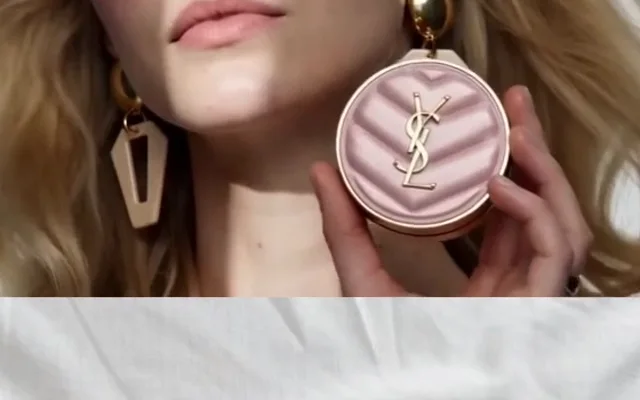
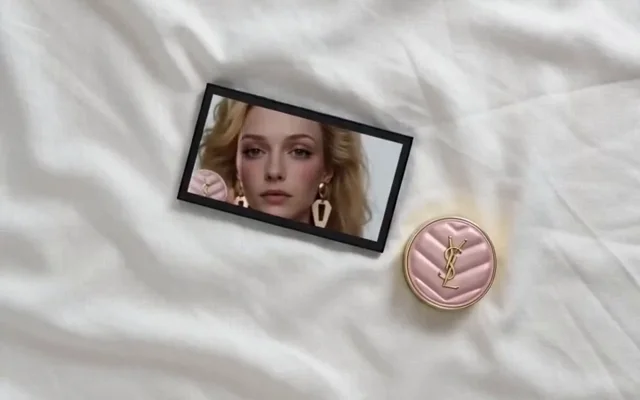
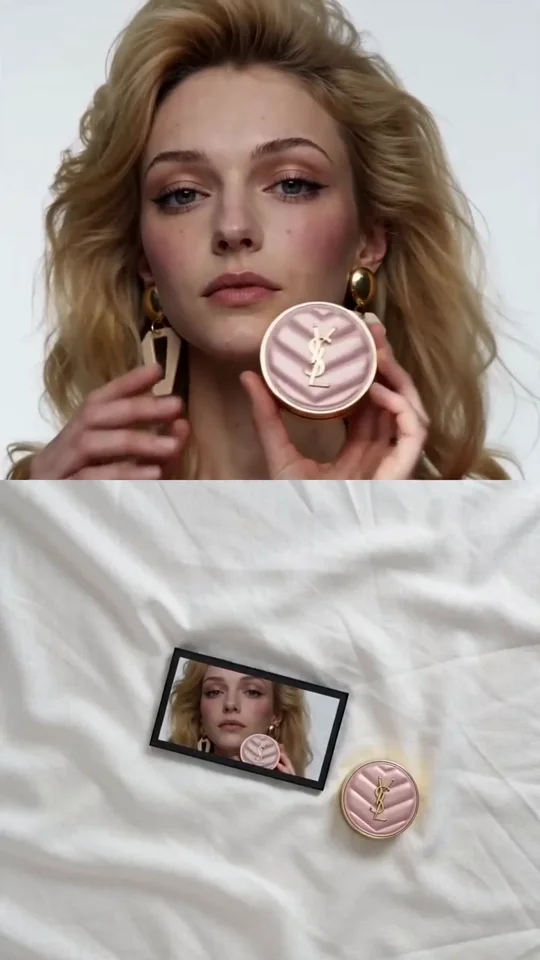
Four frames dropped into your media pool — hook, product, flat-lay, CTA.

Generated · Video8s · 9:16

Rendered from your four frames — in the player and on the timeline.
Four storyboard frames for a beauty UGC ad — hook close-up, product macro, flat-lay, CTA…Generate the video from these four frames — keep the storyboard order.
4 images Pro 3:4
MediaGenerations
AllGeneratedVideoAudio
Frame 1 · Hook
Frame 2 · Product
Frame 3 · Flat-lay
Frame 4 · CTA
0:08
Video · generated
Voiceover
Music bed
Nothing playing yetgenerate the video from your frames
0:000:020:040:060:08
V1Frame 1 · HookFrame 2 · ProductFrame 3 · Flat-layFrame 4 · CTA
Voiceover
Music

An image generator built for video creators

Stock never quite fits. Describe the exact frame your cut needs — B-roll, storyboards, thumbnails — and it lands on the timeline, ready to edit.
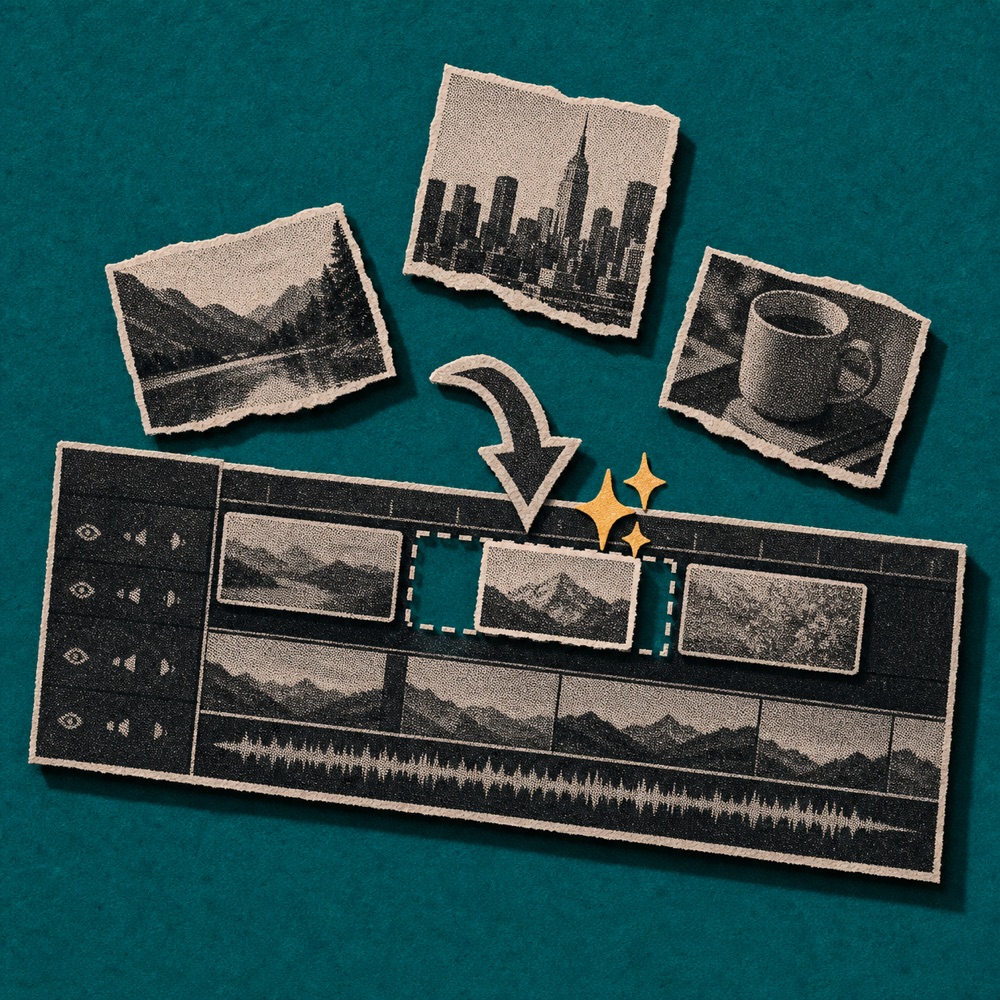
AI-generated B-roll shot for a video edit

B-roll on demand

Missing a cutaway? Generate the exact shot — a city street, a macro close-up, an abstract loop — and drop it straight onto the timeline.
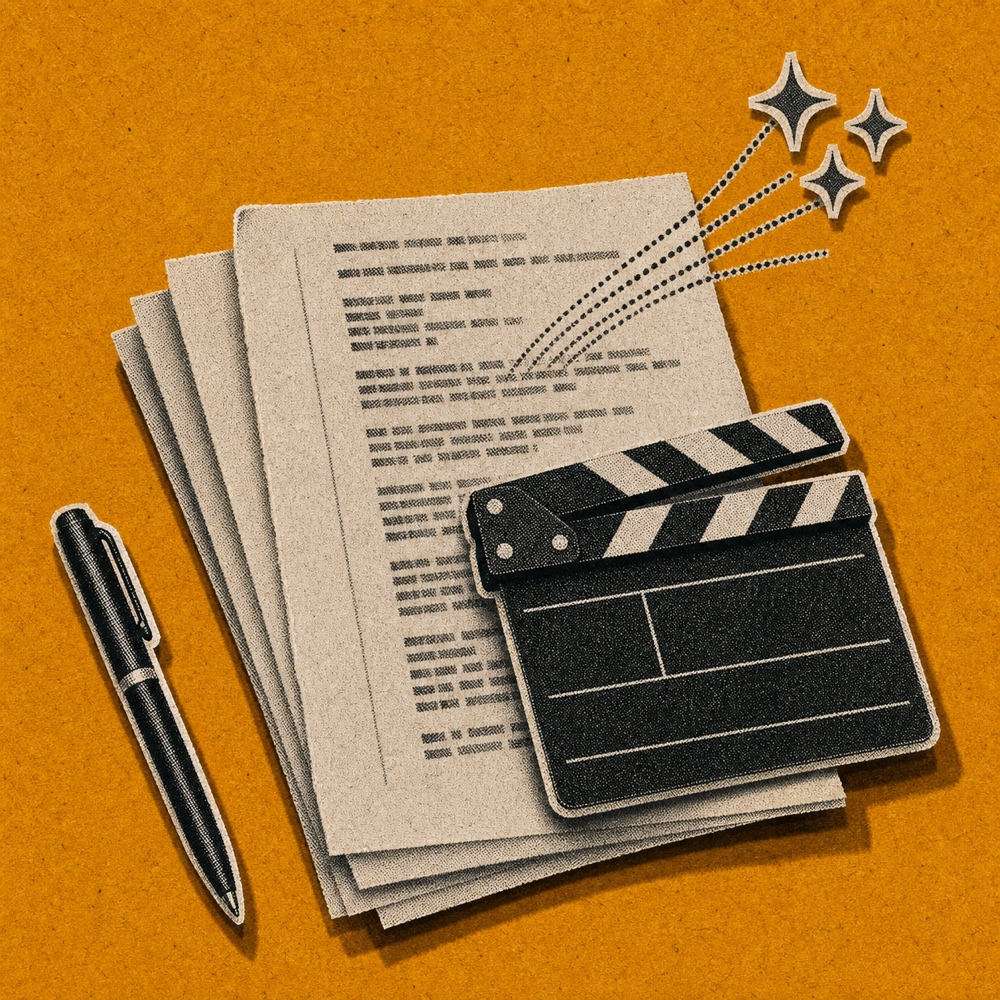
Storyboard frames generated from a video script

Storyboard your script

Turn a script or a rough idea into consistent storyboard frames, so you can see the whole sequence before you shoot or start cutting.
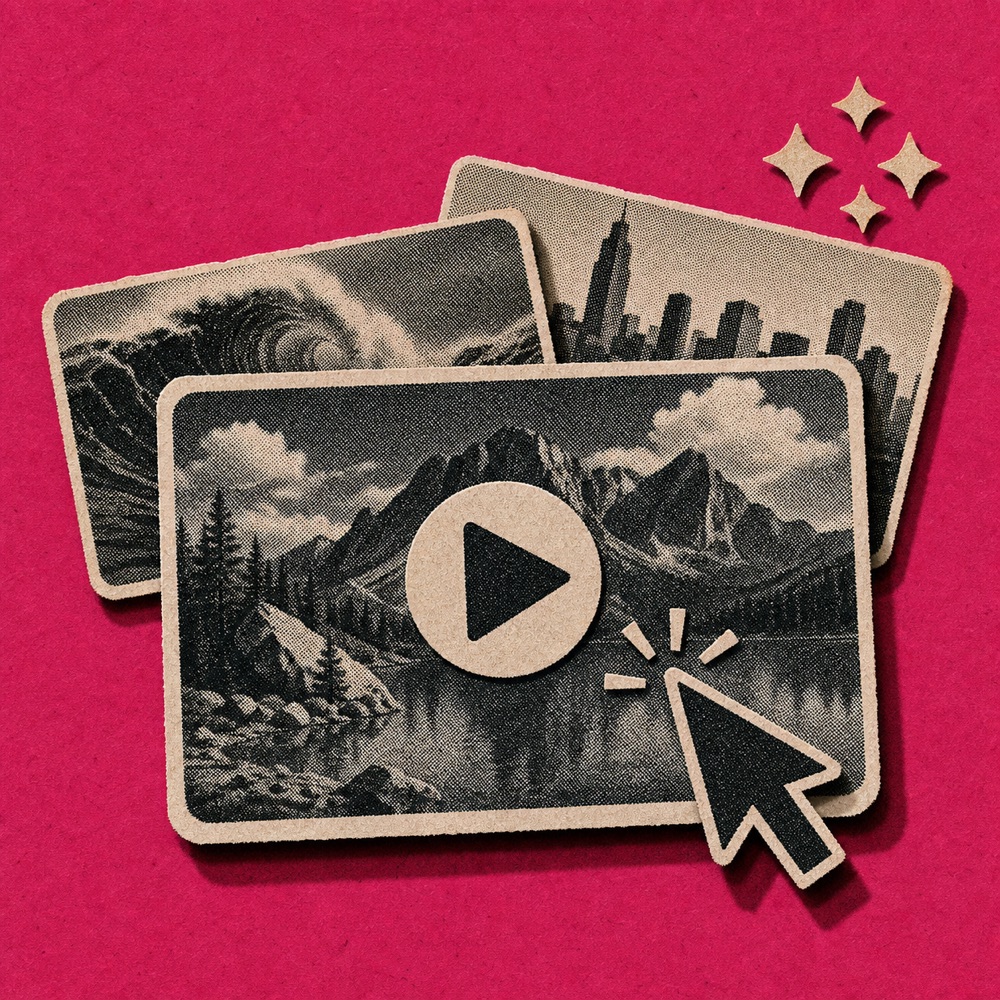
A bold video thumbnail with readable text

Thumbnails that get clicks

Generate a scroll-stopping cover with readable text baked in, sized for YouTube, Shorts, or Reels — no round-trip to a design tool.

Generate polished images from a single prompt

Describe what you want and generate up-to-4K frames — then restyle, upscale, and cut them into finished projects, all in one editor.

AI generated output
Reference input
Input Output

Image Upscaling

Enhance generated images to 4K resolution while preserving fine details and visual quality.

Write a prompt for your image…

GPT Image 2 4K 1:1

Prompt to Image

Describe a scene and generate finished frames, up to 4K, straight into your media pool.

Reference Images

Guide any generation with your own photos, logos, or style frames for a consistent look.

Restyle & Edit

Swap the style, background, or subject with a prompt while every fine detail stays sharp.

Timeline Editing

Edit images and audio in the editor with precision timeline controls and professional tools.

Free

No credit card required

Get started
  • Starter credits included
  • Basic editing and exports
  • Try AI image, captions, music, and motion graphics
  • Upgrade when you need a monthly credit budget
$25 /month

Billed monthly

Get started
  • 100 credits / month
  • 200 credits / month
  • 800 credits / month
  • 1,200 credits / month
  • 2,000 credits / month
  • 3,000 credits / month
  • 4,000 credits / month
  • 5,000 credits / month
  • 7,500 credits / month
  • 10,000 credits / month
  • 100 credits / month
  • Seedance 2.0 (up to 166s of video)
  • GPT Image 2 (up to 454 images)
  • Nano Banana 2 (up to 312 images)
  • Motion graphics (up to 500 clips)
  • Motion graphics transparent export
  • AI music generation
  • All AI agent editing capabilities
$100 /month

Billed monthly

Get started
  • 400 credits / month
  • Seedance 2.0 (up to 666s of video)
  • GPT Image 2 (up to 1,818 images)
  • Nano Banana 2 (up to 1,250 images)
  • Motion graphics (up to 2,000 clips)
  • Motion graphics transparent export
  • AI music generation
  • All AI agent editing capabilities

Questions

AI image generator FAQ

Is there an AI image generator built for video?
Yes. ChatCut generates images from a prompt or a reference — up to 4K — right inside your editor, and drops them onto the timeline as B-roll, backgrounds, thumbnails, or overlays. It isn't a standalone tool you export from; it's part of your editing session.
What resolution can it generate?
Up to 4K (2048×2048). That holds up on large displays, print, zoomed-in compositions, and high-resolution exports — where most generators cap out at 1K or 2K.
Can I use my own images as references?
Yes. Add up to 14 reference images with your prompt to guide style, subject, composition, color, or brand consistency — more references than most generators allow, for tighter style matching.
Does it render text correctly inside images?
Yes. The Gemini-powered models render readable text — logos, labels, signage, and thumbnail overlays come out as actual type instead of garbled shapes.
What's the difference between the two models?
Flash (Gemini 2.5) is fast and cheap for iteration, thumbnails, and backgrounds. Pro (Gemini 3) pushes quality higher for hero images and final production. Both support reference images, text rendering, and high resolution.
Is it free to start?
Yes — it's free to start with no card, and you get credits to generate images, video, captions, and music. Paid plans add a monthly credit budget when you need more.
Checking your footage... Finding the best moments... Detecting the um's and ah's... Cooking up the edit... Almost there...

Less editing. More creating.

Sign up free and make your first video today.

Try it for free