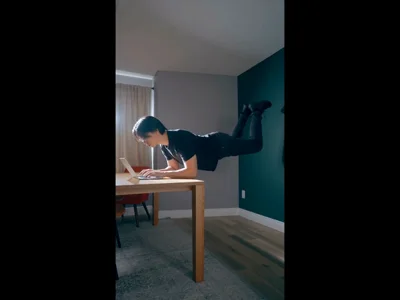
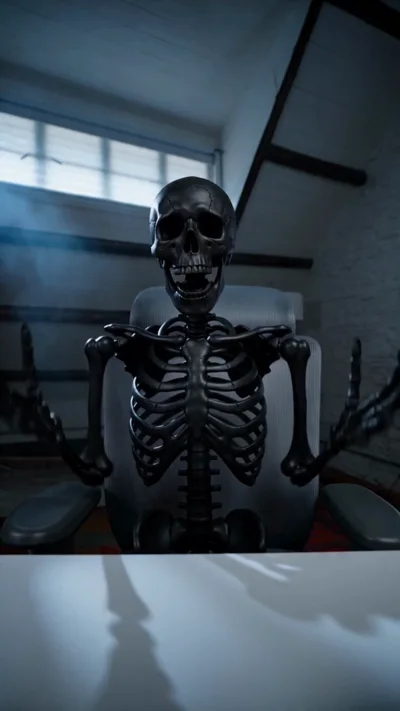
AI video, generated
right on your timeline

Generate video with Seedance 2.0 from a prompt, an image, or a first and last frame, then trim, caption, and layer it like any other clip.

Auto

Generate the image,
then bring it to life

Describe a still and ChatCut generates it — then turns that same image into a video, right on the timeline.

Generate a video
Sneaker Launch — Hero
TIMELINE00:02.10 / 00:08.00
On
00:00:02
V1Hero still
A1launch-bed.wav
00:00:0000:00:0200:00:0400:00:0600:00:08

First frame, last frame,
full video

Hand ChatCut the start and the end of a shot. It generates everything in between.

TransformerA car in a foggy lot transforms into a fire-red mechanical tyrannosaur.

Create stunning videos in seconds

Generate video from text, images, or a first and last frame, then edit, caption, voice, and score it, all in one place.

Image to video
First & last frame
Camera moves
AI voiceover
AI music
Captions
Motion graphics

Describe the shot.
ChatCut generates it.

From a prompt, or a first and last frame, to a real clip on your timeline, with captions and graphics included.

Start from a
first and last frame

Drop the opening and closing
frame, or just describe it, and
ChatCut generates the shot between.

Generate a video

It lands right
in the editor

The clip drops into the player and
your media pool, no import, no
round-trip. Retake or keep going.

Open the editor

Add captions and
motion graphics

Layer word-level captions and
graphics over the shot, rendered
onto the same clip, styled to match.

Add graphics

Everything lands
on the timeline

Clip, captions, graphics, and audio
each land as a real, trimmable
layer. Reorder, retime, export.

Generate a video

One editor,
start to finish

Pull back and it's all one
workspace: prompt, player, media,
timeline. Nothing ever leaves it.

Try ChatCut
GenerateHistory
Generated · Story5s · 9:16

Dropped a new clip into the player and your media pool.

Added · Captions + title

Word-level captions and a title, rendered onto the shot.
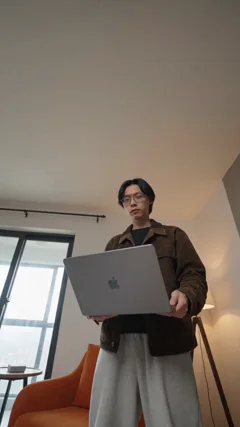
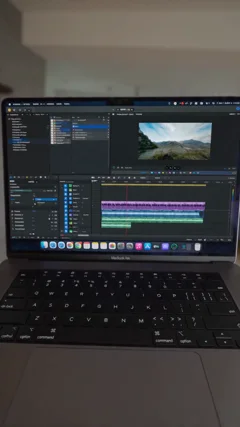
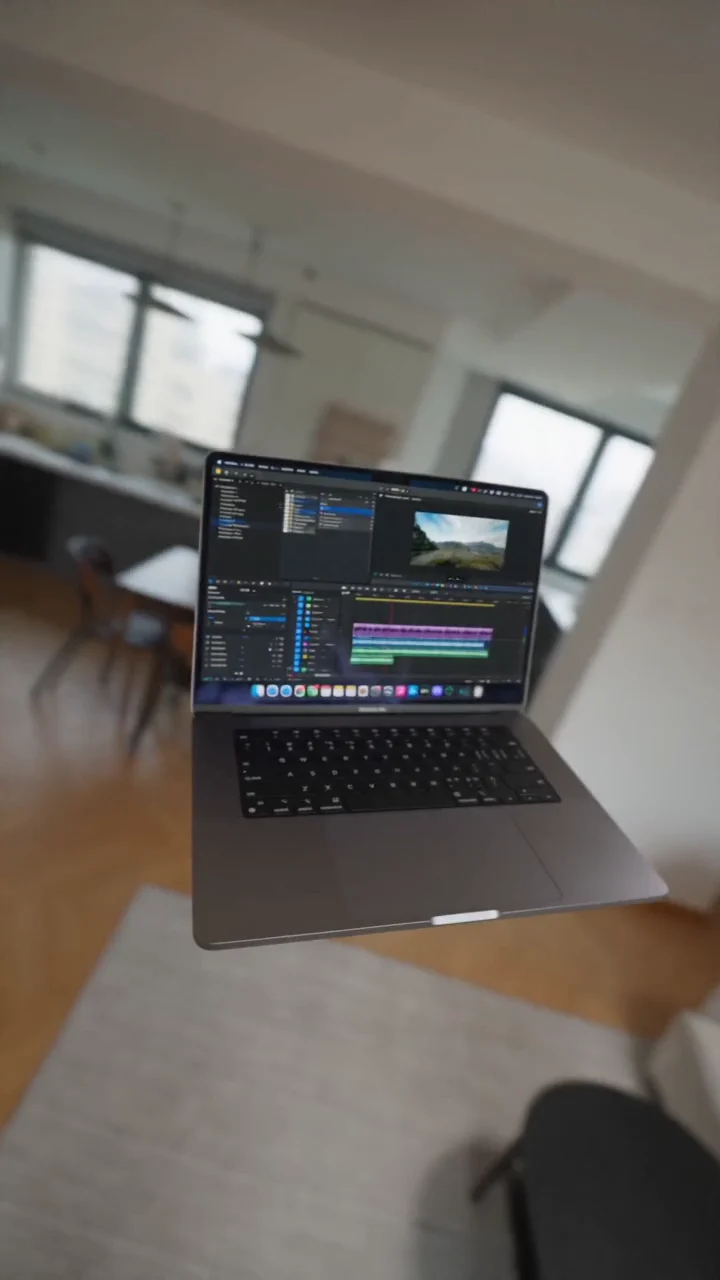
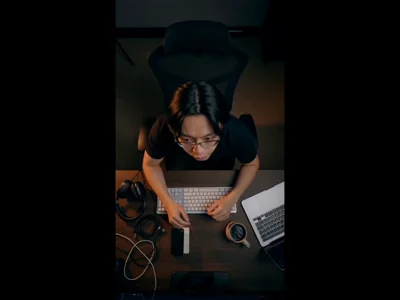
First frame, holding the laptopFirst frame
Last frame, the laptop screenLast frame
Describe the video you want Seedance 2.0 to generate…
9:16 5s
Upload your footageor describe a shot to generate
A generated 9:16 clip in the ChatCut player
MediaGenerations
AllClipsGeneratedAudio
0:05
Story · generated
0:04
B-roll 01
0:08
B-roll 02
0:05
Hook take
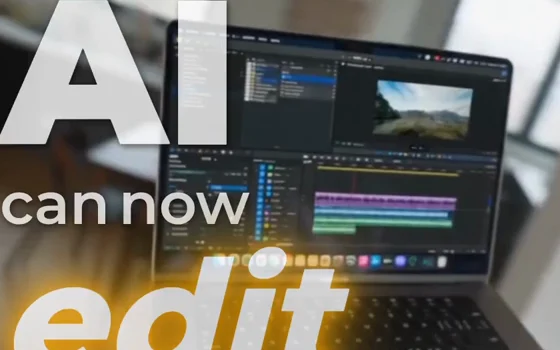
Title · AI can now edit
CC
Captions · word-level
Voiceover
Music bed
0:000:020:040:05
V2Captions · word-level
V1Title · AI can now edit
Voiceover
Music

Who's generating video
with ChatCut

Every team ships video for a different reason. ChatCut generates the shots each one needs, ready to edit on the same timeline.

Two creatives reviewing an edit together in an agency studio

Creative agencies

Turn one concept into a dozen ad variants. Generate hero shots, product scenes, and cutdowns for every client, then ship the winners.

A DTC founder filming products for a launch video

Ecommerce & DTC

Spin a single product still into scroll-stopping ads. Launch films, unboxings, and lifestyle shots with no studio and no shoot day.
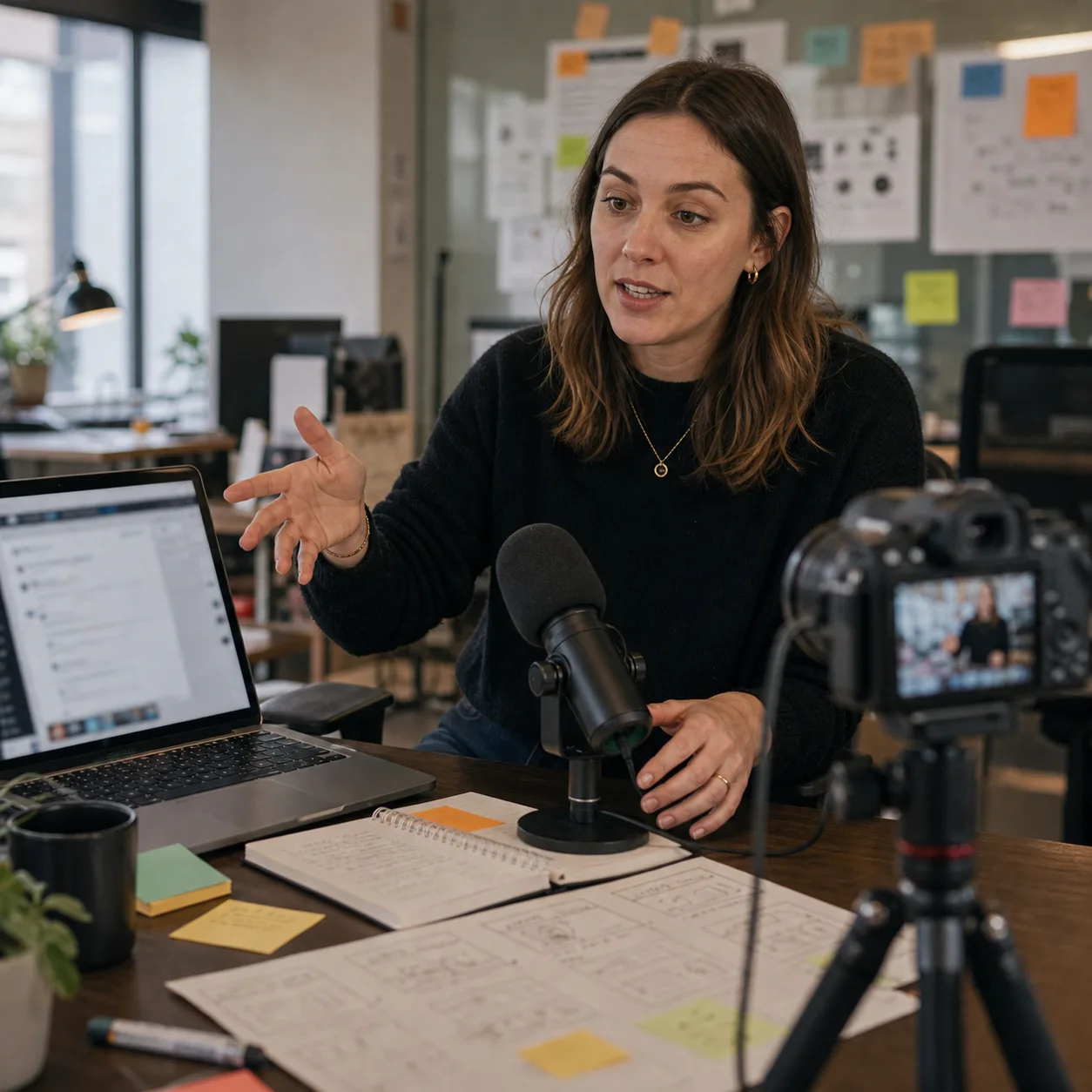
A marketer recording a product update to camera at a desk

SaaS & marketing

Ship demos, explainers, and launch clips on your own schedule. Describe the feature and get a shot that drops straight onto your timeline.

How To Create Your First
AI Video in ChatCut

From a prompt to an editable clip on your timeline. Here's how it works.

Text to video Image to video First & last frame Camera moves Auto audio Five modes Any aspect Timeline-ready
Free

No credit card required

Get started
  • Starter credits included
  • Basic editing and exports
  • Try AI image, captions, music, and motion graphics
  • Upgrade when you need a monthly credit budget
$25 /month

Billed monthly

Get started
  • 100 credits / month
  • 200 credits / month
  • 800 credits / month
  • 1,200 credits / month
  • 2,000 credits / month
  • 3,000 credits / month
  • 4,000 credits / month
  • 5,000 credits / month
  • 7,500 credits / month
  • 10,000 credits / month
  • 100 credits / month
  • Seedance 2.0 (up to 166s of video)
  • GPT Image 2 (up to 454 images)
  • Nano Banana 2 (up to 312 images)
  • Motion graphics (up to 500 clips)
  • Motion graphics transparent export
  • AI music generation
  • All AI agent editing capabilities
$100 /month

Billed monthly

Get started
  • 400 credits / month
  • Seedance 2.0 (up to 666s of video)
  • GPT Image 2 (up to 1,818 images)
  • Nano Banana 2 (up to 1,250 images)
  • Motion graphics (up to 2,000 clips)
  • Motion graphics transparent export
  • AI music generation
  • All AI agent editing capabilities

AI video generator FAQ

What is an AI video generator?
A tool that creates video clips from a text prompt, an image, or reference frames. ChatCut's is built inside a video editor, so each generated clip lands on your timeline instead of in a downloads folder.
Can I generate videos from text?
Yes. Describe the subject, motion, lighting, and camera moves, and Seedance 2.0 generates the shot. Text-to-video works well for B-roll, product shots, scene inserts, background visuals, and social clips.
Can I turn an image into a video?
Yes. Upload a still, whether a product photo, a brand asset, or a frame you like, describe the motion you want, and ChatCut animates it into a clip.
What is first-and-last-frame generation?
You set the opening frame and the closing frame, and Seedance 2.0 generates the motion between them. It's the most controllable way to get transitions, product angles, and shots that match footage already on your timeline.
Which AI video model does ChatCut use?
Seedance 2.0, for text to video, image to video, and first and last frame, all inside ChatCut. Generated clips land on the timeline ready to trim, caption, and export.
Is ChatCut's AI video generator free?
Free to start, no card. Sign-up includes starter credits to generate and edit. The Pro plan adds more credits, higher limits, and Pro export formats.
Can I edit the clip after it's generated?
Yes. Every clip lands in your media pool and on the timeline, ready to trim, caption, voice, and score. No import, no round-trip.
What aspect ratios and lengths can it make?
9:16, 1:1, and 16:9 at several lengths, so the same idea fits a Reel, a YouTube video, or a billboard.
How is ChatCut different from other AI video generators?
Most generators hand you a standalone clip to download and edit somewhere else. ChatCut generates inside the editor, so you trim the clip, caption it, layer graphics and music, and export the finished video without leaving the workspace.
Where can I use ChatCut?
On your desktop, inside Codex or any agent, or in any modern browser. Generation and long renders run in the cloud, and your projects save there too, so the same edit is on every surface.

Generate your first video

Describe it, or drop a first and last frame. Free to start, editable after, all on your timeline.